Keyspoken / How to change the dictation language on iPhone
How to change the dictation language on iPhone
iPhone dictation follows your keyboard. How to add a language, switch while you write, and dictate in Spanish, French or German. Plus one model for 25 languages.
The short answer
The iPhone's built-in dictation uses the language of the keyboard you are on. To dictate in another language, switch to that language's keyboard first. Apple puts it this way: when you use a keyboard for another language, you can use Dictation in that language as well.
Add a language
- Open Settings, General, Keyboard, Keyboards.
- Tap Add New Keyboard and choose the language, for example Spanish.
- The new keyboard is now available in every app.
Switch while you write
- Tap a text field so the keyboard appears.
- Touch and hold the globe key and choose the language.
- Tap the microphone key and speak in that language.
If the language does not appear
Apple notes that Dictation may not be available in all languages or in all countries or regions. If a language's keyboard has no microphone key, built-in dictation does not support it there.
One model for 25 European languages
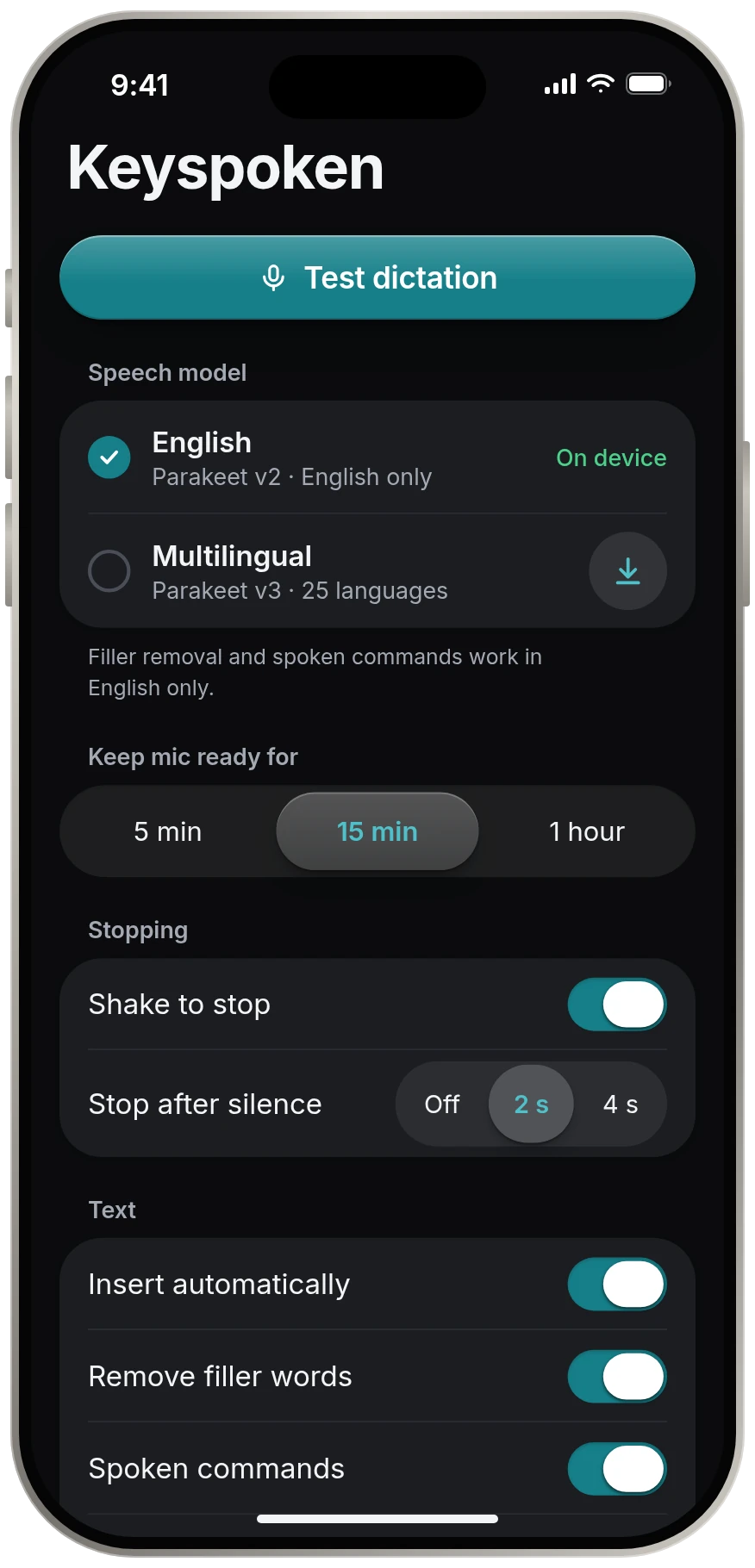
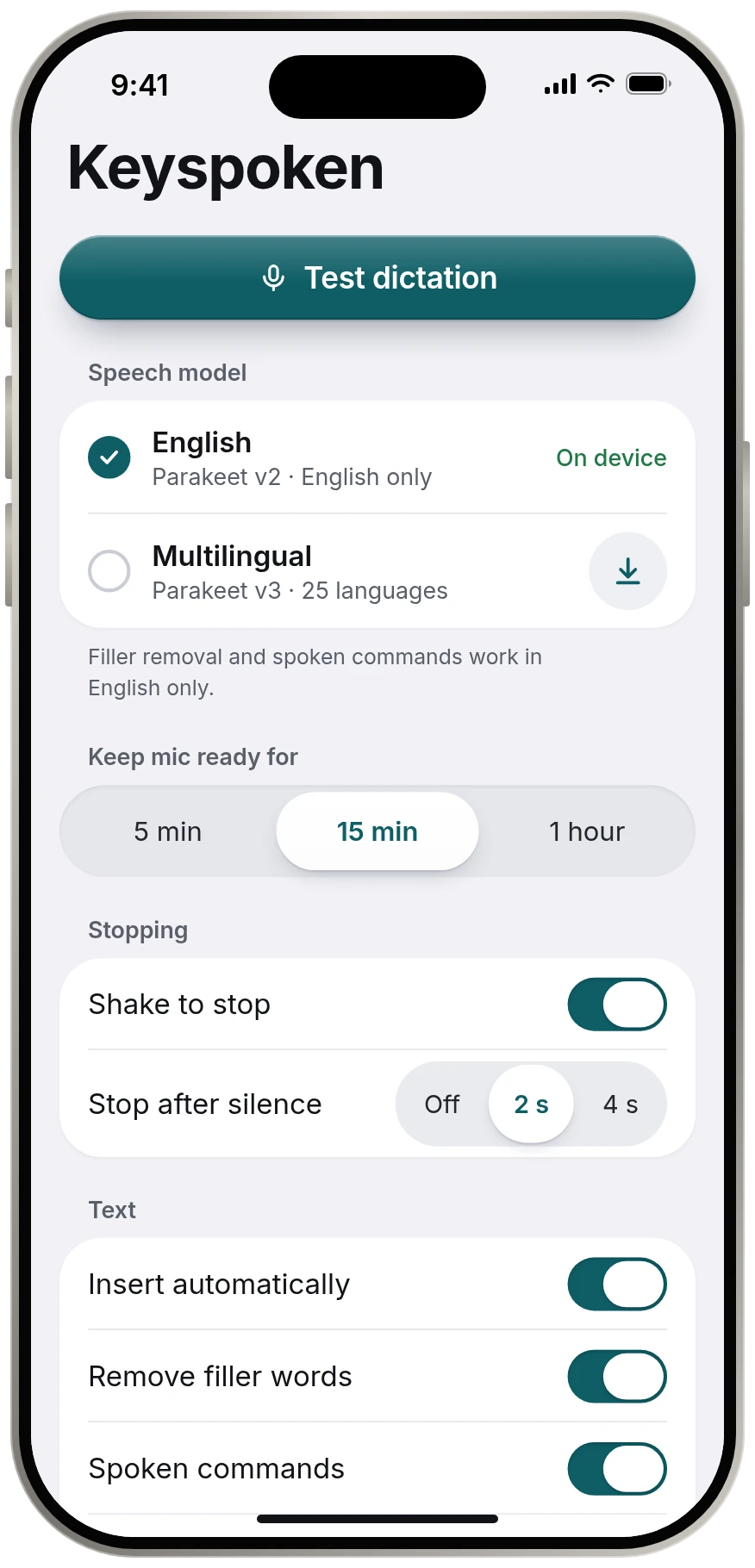
Keyspoken's Multilingual model covers 25 European languages in a single download, so there is no keyboard to switch for each one. It runs on the iPhone and sends nothing anywhere. The full list is on the languages page.
Source
Source: Apple, iPhone User Guide, Dictate text on iPhone support.apple.com, read 13 November 2026.
Questions
How do I dictate in Spanish on iPhone?
Add the Spanish keyboard under Settings, General, Keyboard, Keyboards. Then touch and hold the globe key, choose Spanish, tap the microphone key and speak.
Can iPhone dictation understand two languages at once?
Built-in dictation uses the language of the current keyboard, so you switch keyboards to change language. Keyspoken's Multilingual model is one model trained on 25 European languages.
Why can't I find my language for dictation?
Apple says Dictation may not be available in all languages or in all countries or regions.
Keep reading
- All guidesEvery guide to dictating on iPhone.
- iPhone dictation commandsiPhone dictation commands: the full list
- Dictation not workingiPhone dictation not working? Check these, in order
- Turn dictation on or offHow to turn dictation on or off on iPhone
- Is iPhone dictation private?Is iPhone dictation private?