Keyspoken / A voice keyboard with no keys to learn
A voice keyboard with no keys to learn
A voice to text keyboard for iPhone with one button and no letter keys. Keyspoken transcribes on the device, then hands you back to your own keyboard.
Why dictation apps are keyboards
On iPhone, the only way an app can put text into another app is to be a keyboard. That is why every voice typing app you find is, technically, a keyboard you add in Settings.
Most of them go further and ship a full keyboard of their own: letters, numbers, autocorrect, all rebuilt so one microphone button has somewhere to live.
Two kinds of voice keyboard
- A replacement keyboard gives you its own letters and a dictation button. You get voice typing, and a different keyboard with it.
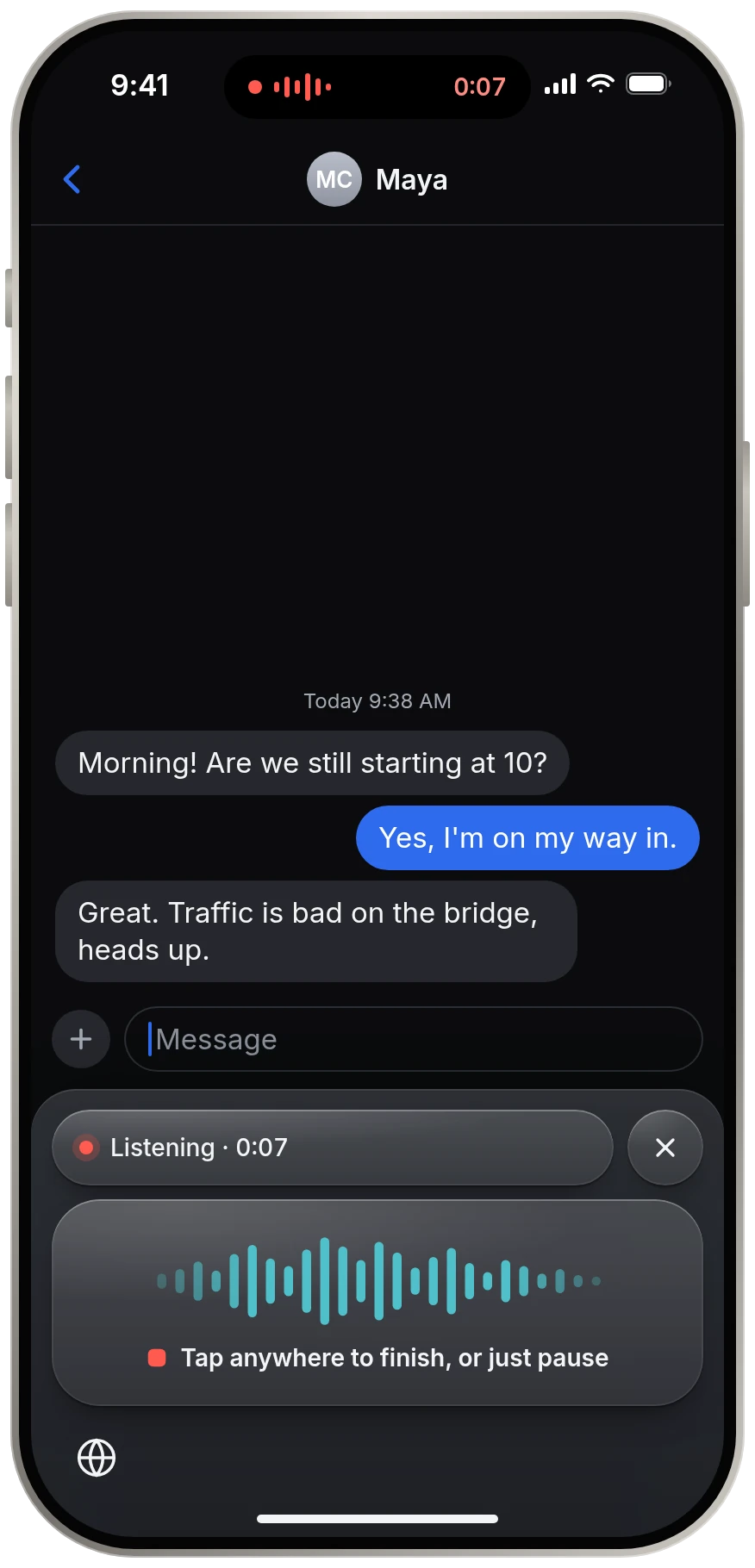
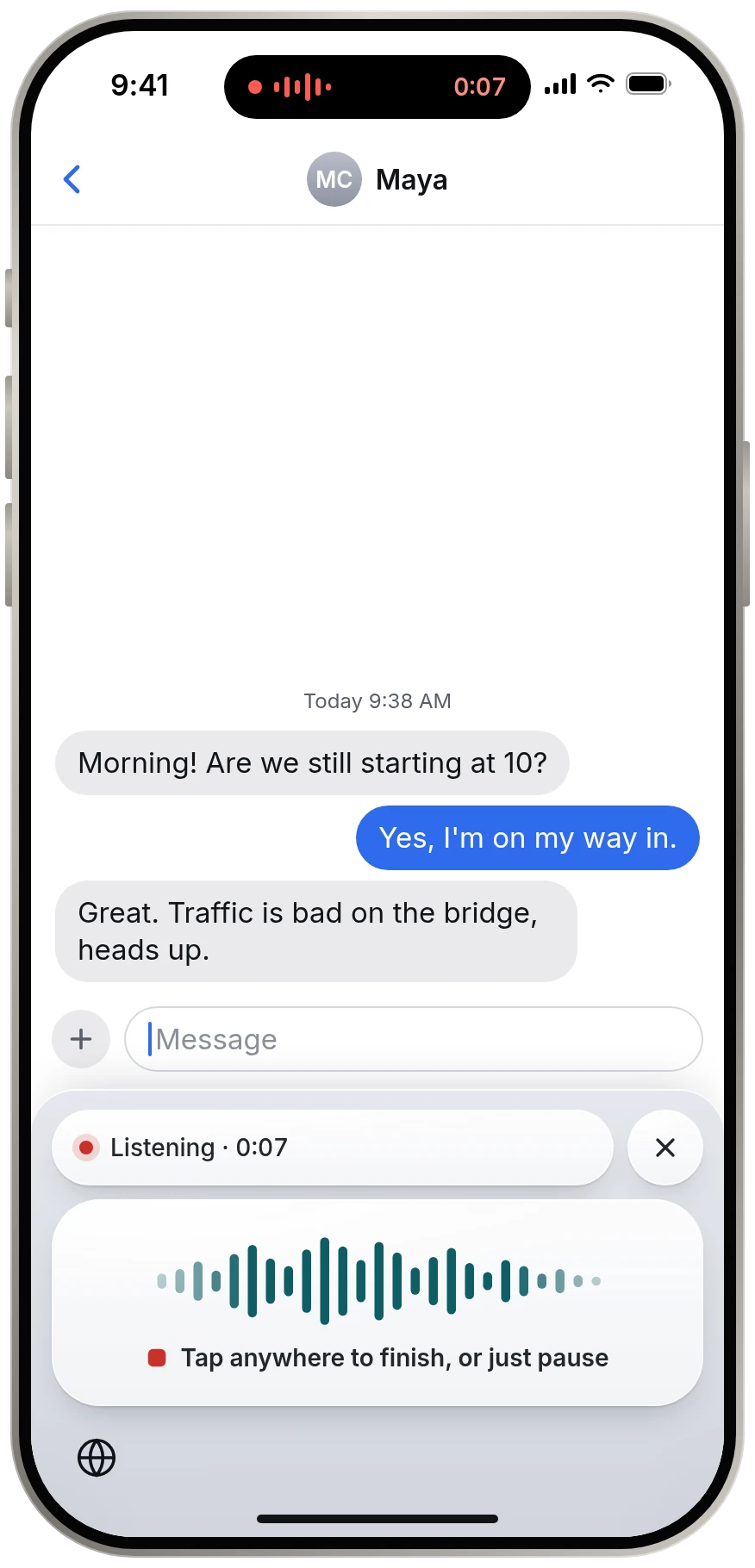
- A dictation strip, which is what Keyspoken is, has no letter keys at all. It appears when you want to talk and hands you back when you are done.
How you use it
- Touch and hold the globe key and choose Keyspoken.
- Talk. It is already listening.
- Pause. Your words are inserted and Apple's keyboard returns.
What the strip has
One large button, plus delete and return. Delete fixes a slip. Return sends the message or starts a new line. Everything else stays on your own keyboard.
About Full Access
iOS requires Full Access for a keyboard to communicate with its own app, which is where the microphone and the speech model live. Keyspoken uses it only for that. The keyboard makes no network requests.
Questions
Is Keyspoken an AI voice keyboard?
It uses an AI speech recognition model to turn your voice into text, and it runs that model on your iPhone. It does not use a chatbot to rewrite or rephrase what you said.
Is Keyspoken a Whisper keyboard?
No. Keyspoken does not use OpenAI's Whisper. It runs NVIDIA's open Parakeet TDT models on the device.
Do I lose my normal keyboard?
No. Keyspoken has no letter keys and does not replace your keyboard. You switch to it to dictate and it switches you back.
Keep reading
- All guidesEvery guide to dictating on iPhone.
- Dictation app for iPhoneA dictation app for iPhone that leaves your keyboard alone
- Offline dictationOffline dictation that works in airplane mode
- Private dictationPrivate dictation. Your voice stays on your iPhone.
- Comparing dictation appsA different kind of dictation app