Keyspoken / iPhone dictation commands: the full list
iPhone dictation commands: the full list
Every voice command for the iPhone's built-in dictation: punctuation, capitals, new lines, editing and how to stop. Checked against Apple's iPhone guide.
Punctuation
Say the name of the mark. In many languages the iPhone also adds commas, periods and question marks by itself.
| Say | You get |
|---|---|
| Period | . |
| Comma | , |
| Question mark | ? |
| Exclamation point | ! |
| Colon | : |
| Semicolon | ; |
| Quote, then End quote | “ ” |
| Open parenthesis, then Close parenthesis | ( ) |
| Dollar sign | $ |
| Hashtag | # |
Capitals and spacing
| Say | What it does |
|---|---|
| Cap | Capitalizes the next word |
| Caps on, then Caps off | Capitalizes the first letter of each word in between |
| All caps | Makes the next word uppercase |
| All caps on, then All caps off | Makes the words in between uppercase |
| No caps on, then No caps off | Makes the words in between lowercase |
| No space | Removes the space between two words |
New lines and editing
- Say "new line" or "new paragraph" to break the text.
- Say "select" or "delete" followed by the phrase you want to change.
- Say "undo" or "redo".
- To fix a spelling, say something like "Change tea to T-E-E".
- To spell a name, say it and then the letters.
Stopping
- Tap the microphone.
- Say "Stop dictation".
- Or stay silent for 30 seconds and it stops by itself.
Turning automatic punctuation off
Go to Settings, General, Keyboard, and turn off Auto-Punctuation. After that, only the marks you say are added.
How Keyspoken handles commands
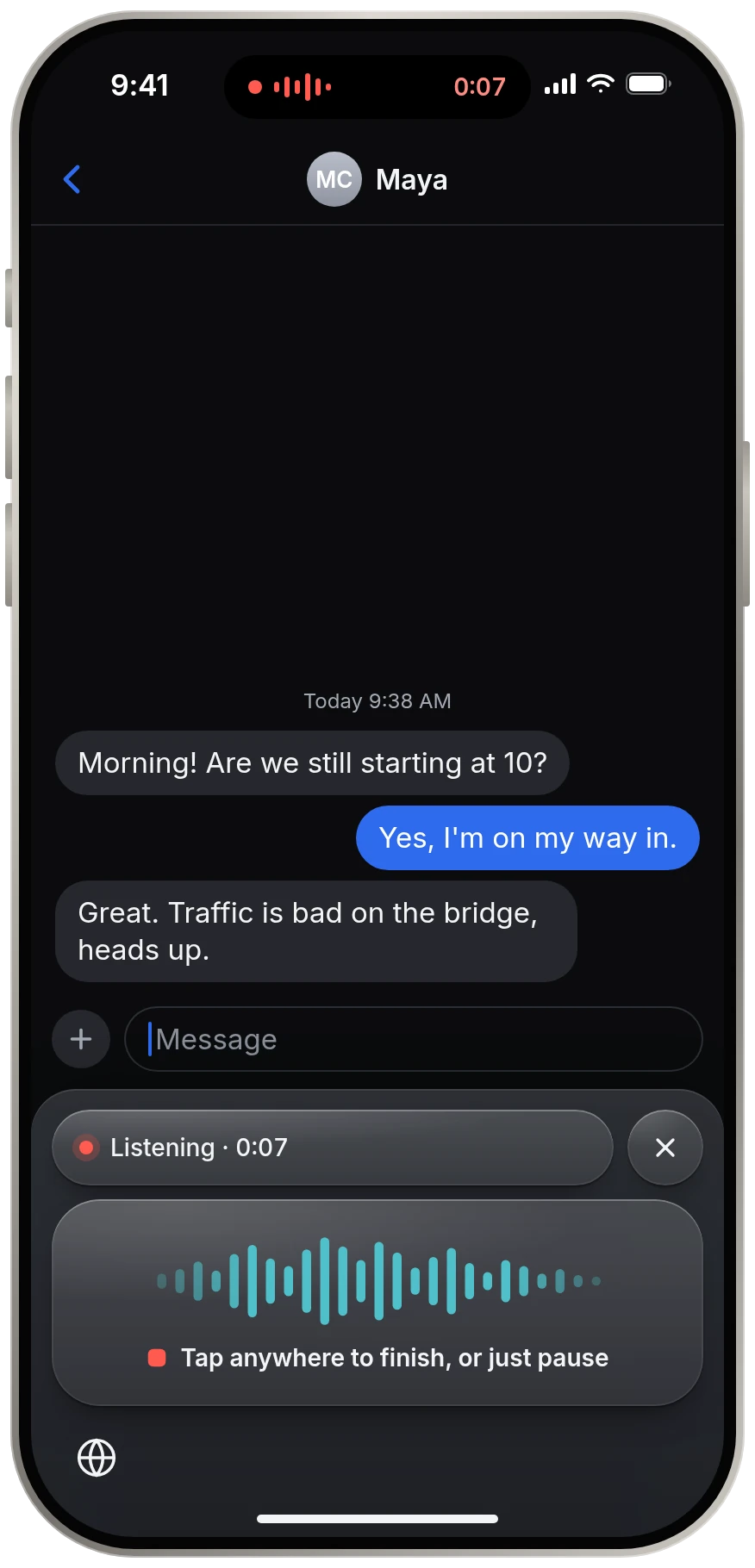
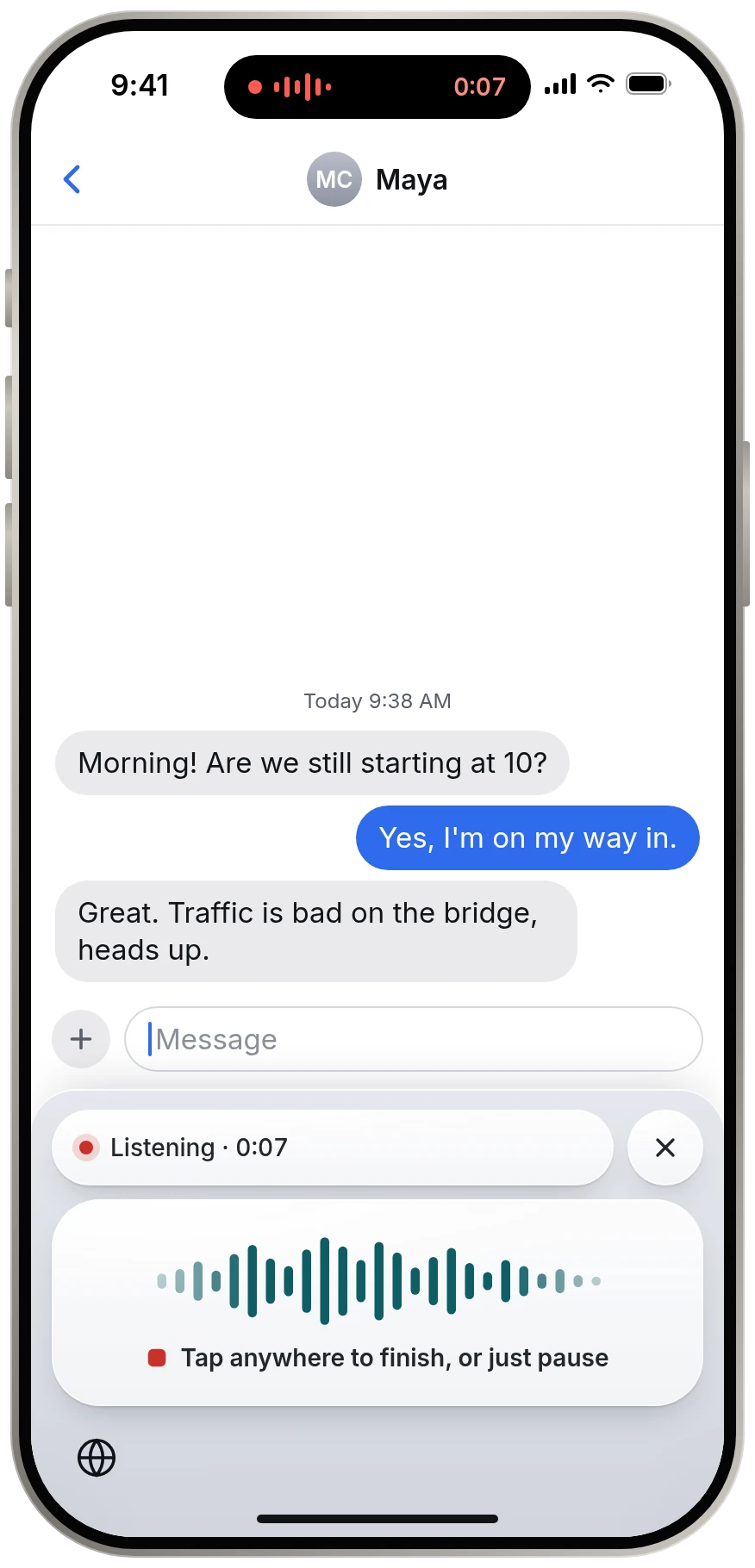
Keyspoken is a separate dictation strip that runs its own speech model on the iPhone. It adds punctuation and capitals by itself, and in English it understands "new line" and "new paragraph". It stops when you pause, so there is nothing to say or tap at the end.
Sources
Source: Apple, iPhone User Guide, Commands for dictating text on iPhone support.apple.com, read 13 November 2026.
Source: Apple, iPhone User Guide, Dictate text on iPhone support.apple.com, read 13 November 2026.
Questions
How do I add punctuation when dictating on iPhone?
Say the name of the mark, such as "comma", "period" or "question mark". In many languages the iPhone also adds punctuation automatically. You can turn that off in Settings, General, Keyboard, Auto-Punctuation.
How do I capitalize a word with iPhone dictation?
Say "cap" before the word to capitalize it, or "all caps" to make the whole word uppercase. "Caps on" and "caps off" capitalize each word in between.
How do I start a new paragraph with iPhone dictation?
Say "new paragraph". For a single line break, say "new line".
Keep reading
- All guidesEvery guide to dictating on iPhone.
- Dictation not workingiPhone dictation not working? Check these, in order
- Turn dictation on or offHow to turn dictation on or off on iPhone
- Change dictation languageHow to change the dictation language on iPhone
- Is iPhone dictation private?Is iPhone dictation private?