Keyspoken / iPhone dictation not working? Check these, in order
iPhone dictation not working? Check these, in order
The microphone key is missing, or dictation stops, types nothing or uses the wrong language. What to check on your iPhone, starting with the setting Apple names.
1. The microphone key is missing
This is the most common cause, and Apple's guide gives the fix: go to Settings, General, Keyboard, and turn on Enable Dictation. If a prompt appears, tap Enable Dictation. The microphone key then appears on the keyboard.
2. It types in the wrong language
Built-in dictation follows the keyboard you are using. Touch and hold the globe key and switch to the keyboard for the language you are speaking. If that language is not listed, add it under Settings, General, Keyboard, Keyboards.
3. It stops before you finish
Built-in dictation stops by itself after 30 seconds of silence, and when you tap the microphone or the keyboard. If you pause to think, tap the microphone again and carry on.
4. Nothing is typed
- Check that another app is not using the microphone, such as a phone call or a recording.
- Check that nothing is covering the microphones, such as a case or a screen protector.
- Close the app you are typing in and open it again.
- Restart the iPhone.
5. It mishears names and terms
You can correct as you go. Say "Change tea to T-E-E", or spell a name after you say it. See the full list of commands for more.
If you use Keyspoken
- Check that Full Access is on for the Keyspoken keyboard in Settings.
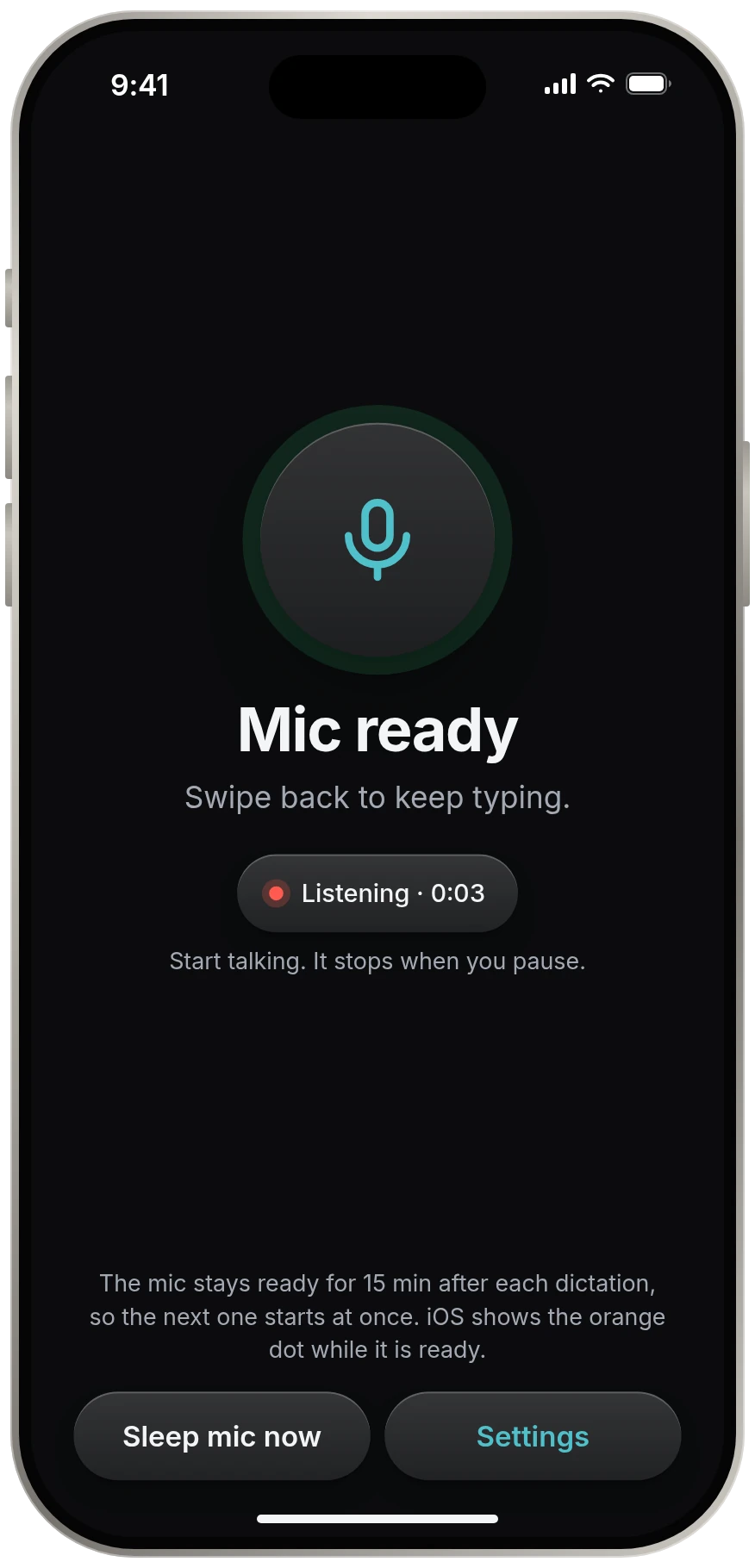
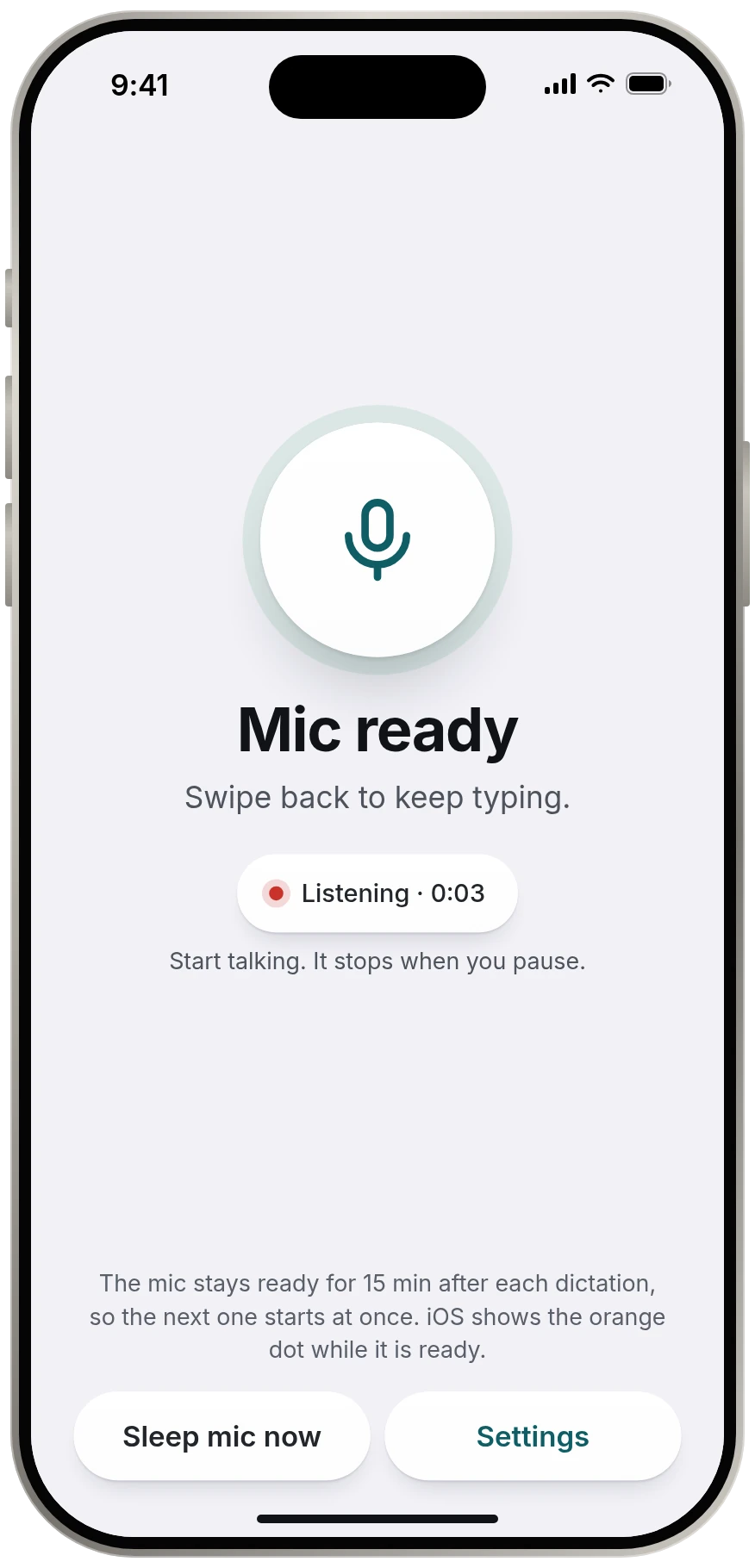
- If the strip says "Mic asleep", tap it once. Keyspoken rests the microphone after a few minutes.
- Check that the speech model finished downloading in the Keyspoken app.
What we have not verified
Other fixes are passed around online, such as resetting settings or changing Screen Time restrictions. We list only what Apple documents or what is plainly safe to try. For anything else, Apple Support is the right place.
Source
Source: Apple, iPhone User Guide, Dictate text on iPhone support.apple.com, read 13 November 2026.
Questions
Why is the microphone missing from my iPhone keyboard?
Dictation is probably turned off. Go to Settings, General, Keyboard and turn on Enable Dictation. The microphone key then appears on the keyboard.
Why does iPhone dictation stop after a few seconds?
Built-in dictation stops when you tap the microphone or keyboard, and by itself after 30 seconds of silence. Tap the microphone again to continue.
Why is my iPhone dictating in the wrong language?
Dictation follows the current keyboard. Touch and hold the globe key and choose the keyboard for the language you are speaking.
Keep reading
- All guidesEvery guide to dictating on iPhone.
- iPhone dictation commandsiPhone dictation commands: the full list
- Turn dictation on or offHow to turn dictation on or off on iPhone
- Change dictation languageHow to change the dictation language on iPhone
- Is iPhone dictation private?Is iPhone dictation private?