Keyspoken / Dictation in 25 European languages
Dictation in 25 European languages
Dictate in Spanish, German, French and 22 more European languages on iPhone with Keyspoken's multilingual model, all on the device. Built-in steps too.
Dictating in Spanish with the iPhone's built-in dictation
You do not need an extra app to dictate in Spanish. Apple's dictation follows the keyboard you are using.
- Open Settings, General, Keyboard, Keyboards, and tap Add New Keyboard. Choose Spanish.
- In any app, touch and hold the globe key and switch to the Spanish keyboard.
- Tap the microphone key and speak Spanish.
Dictating in Spanish and 24 more languages with Keyspoken
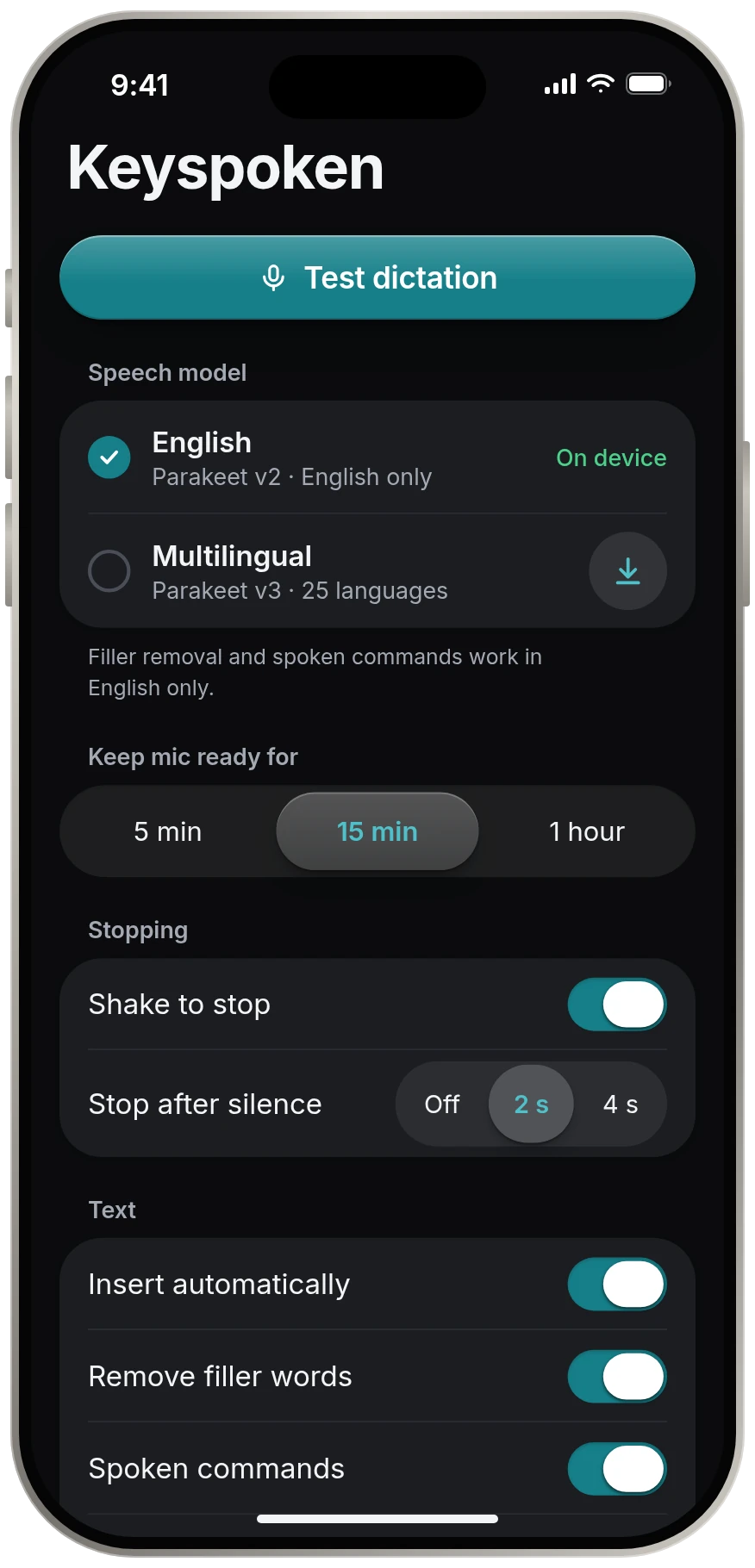
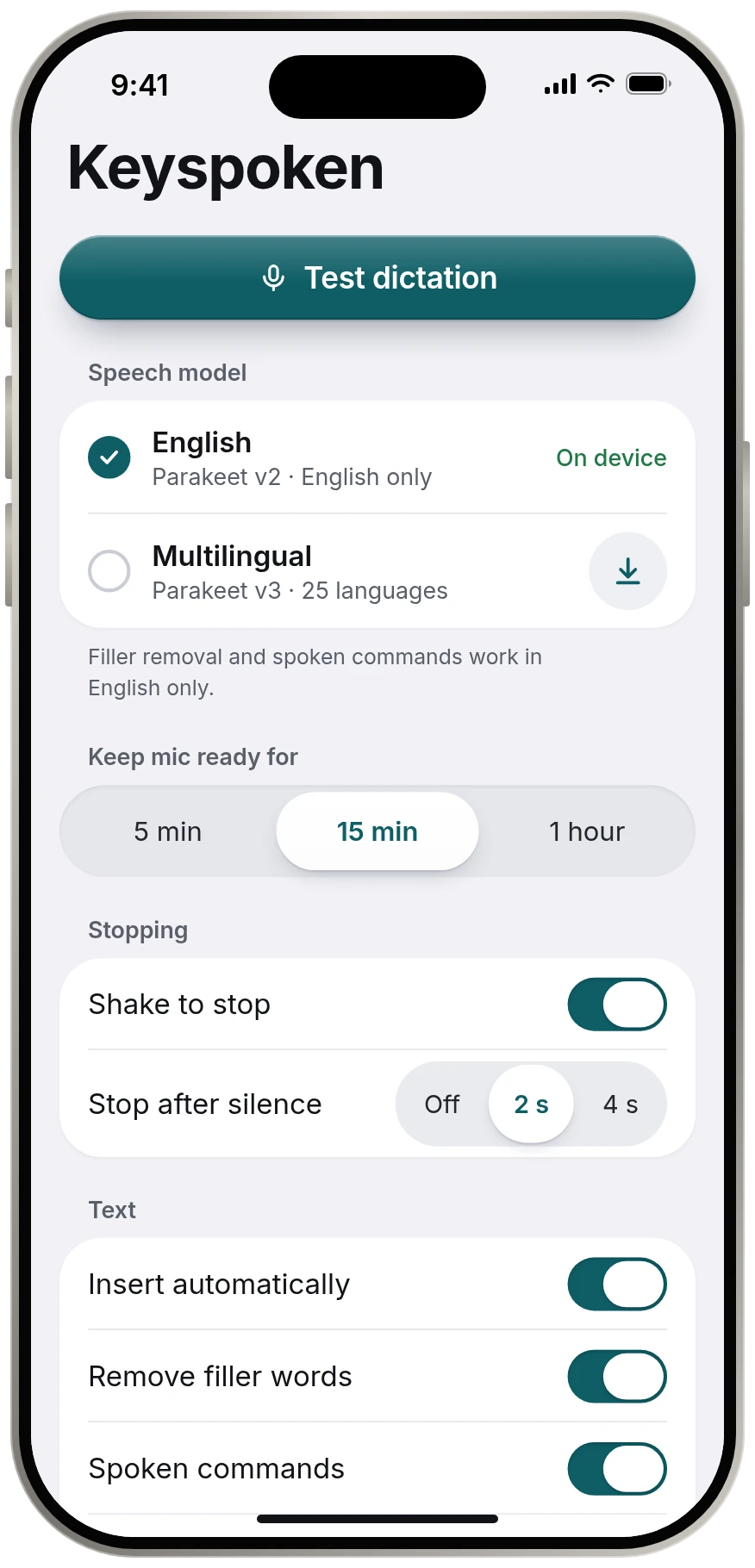
Keyspoken's Multilingual model covers 25 European languages in one download, so you do not switch keyboards for each language.
How to turn it on
- Open Keyspoken and go to Speech model.
- Download Multilingual. It is an optional download.
- Choose it as the active model. You can switch back to English at any time.
The model behind it
Multilingual is NVIDIA's open Parakeet TDT 0.6B v3 model. Like the English model, it runs on your iPhone and sends nothing anywhere.
What to know before you rely on it
- Filler-word removal and spoken commands such as "new line" work in English only. In other languages your words are typed as spoken.
- We are still confirming on real devices how it handles switching languages mid-sentence, so we make no promise about that yet.
- Only one model is active at a time.
- Bulgarian
- Croatian
- Czech
- Danish
- Dutch
- English
- Estonian
- Finnish
- French
- German
- Greek
- Hungarian
- Italian
- Latvian
- Lithuanian
- Maltese
- Polish
- Portuguese
- Romanian
- Russian
- Slovak
- Slovenian
- Spanish
- Swedish
- Ukrainian
Questions
Can I dictate in Spanish on iPhone with Keyspoken?
Yes. Spanish is one of the 25 languages the Multilingual model covers.
Which languages does Keyspoken support?
English with the default model. With the Multilingual model: Bulgarian, Croatian, Czech, Danish, Dutch, English, Estonian, Finnish, French, German, Greek, Hungarian, Italian, Latvian, Lithuanian, Maltese, Polish, Portuguese, Romanian, Russian, Slovak, Slovenian, Spanish, Swedish and Ukrainian.
Does Keyspoken support Chinese, Japanese, Arabic or Hindi?
Not at this time. The models cover English and 25 European languages.
Keep reading
- All guidesEvery guide to dictating on iPhone.
- Dictation app for iPhoneA dictation app for iPhone that leaves your keyboard alone
- Voice to text keyboardA voice keyboard with no keys to learn
- Offline dictationOffline dictation that works in airplane mode
- Private dictationPrivate dictation. Your voice stays on your iPhone.