Keyspoken / How to make iPhone dictation more accurate
How to make iPhone dictation more accurate
Practical ways to get fewer mistakes from iPhone dictation: say punctuation, spell names, fix words by voice, and teach a dictation app your own vocabulary.
Use the commands Apple gives you
- Spell a name after you say it: "Let's invite Steven S-T-E-P-H-E-N".
- Fix a word by voice: "Change tea to T-E-E".
- Say "select" or "delete" followed by the phrase to change it.
- Say the punctuation you want if automatic punctuation gets it wrong.
Give it clean sound
- Speak at a normal pace, a little closer to the phone than you would for a call.
- Check that a case is not covering the microphones.
- Move away from loud background noise when you can. Every speech model makes more mistakes in noise.
Use the right language
Built-in dictation follows the keyboard language. If it hears English while you speak Spanish, switch keyboards with the globe key.
Teach it your words
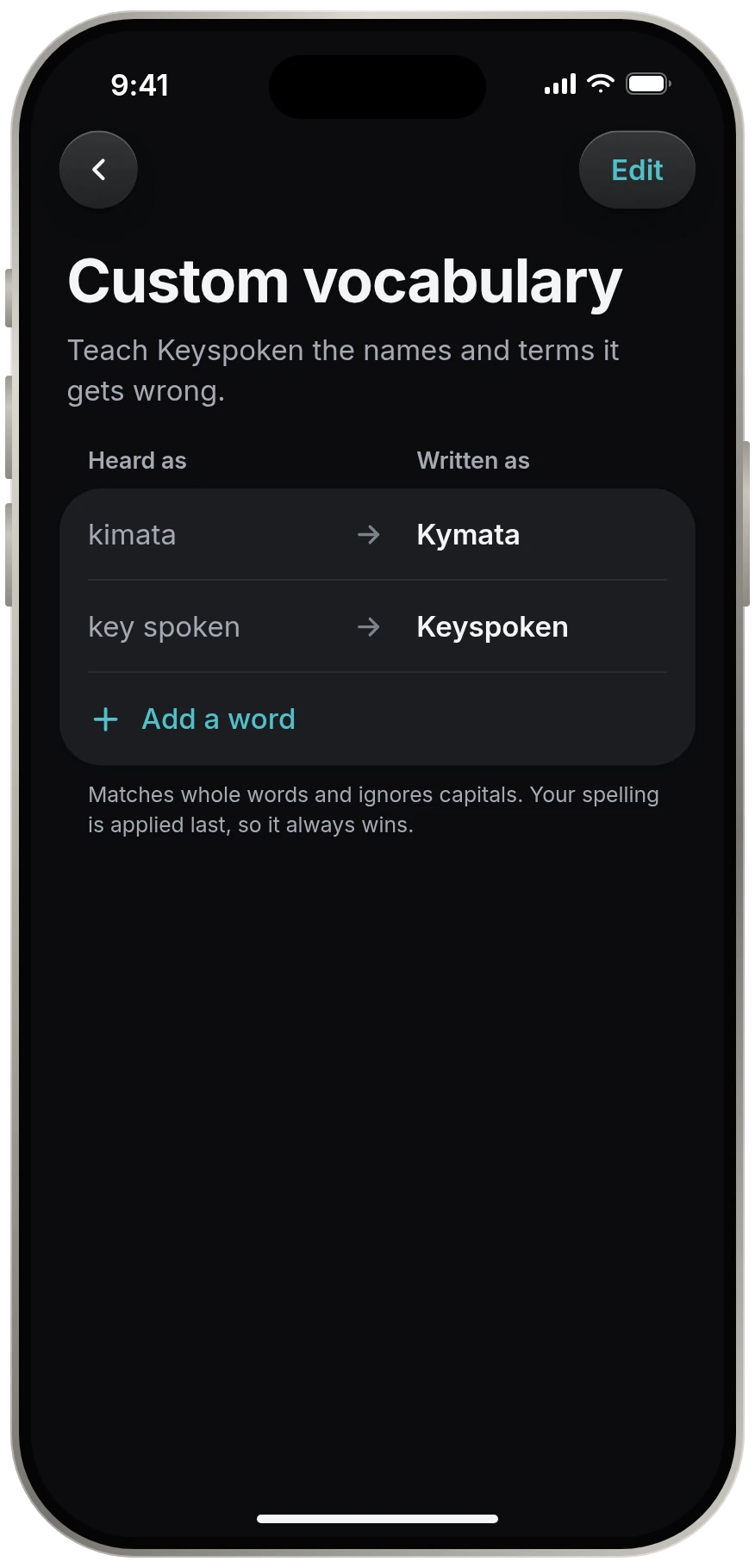
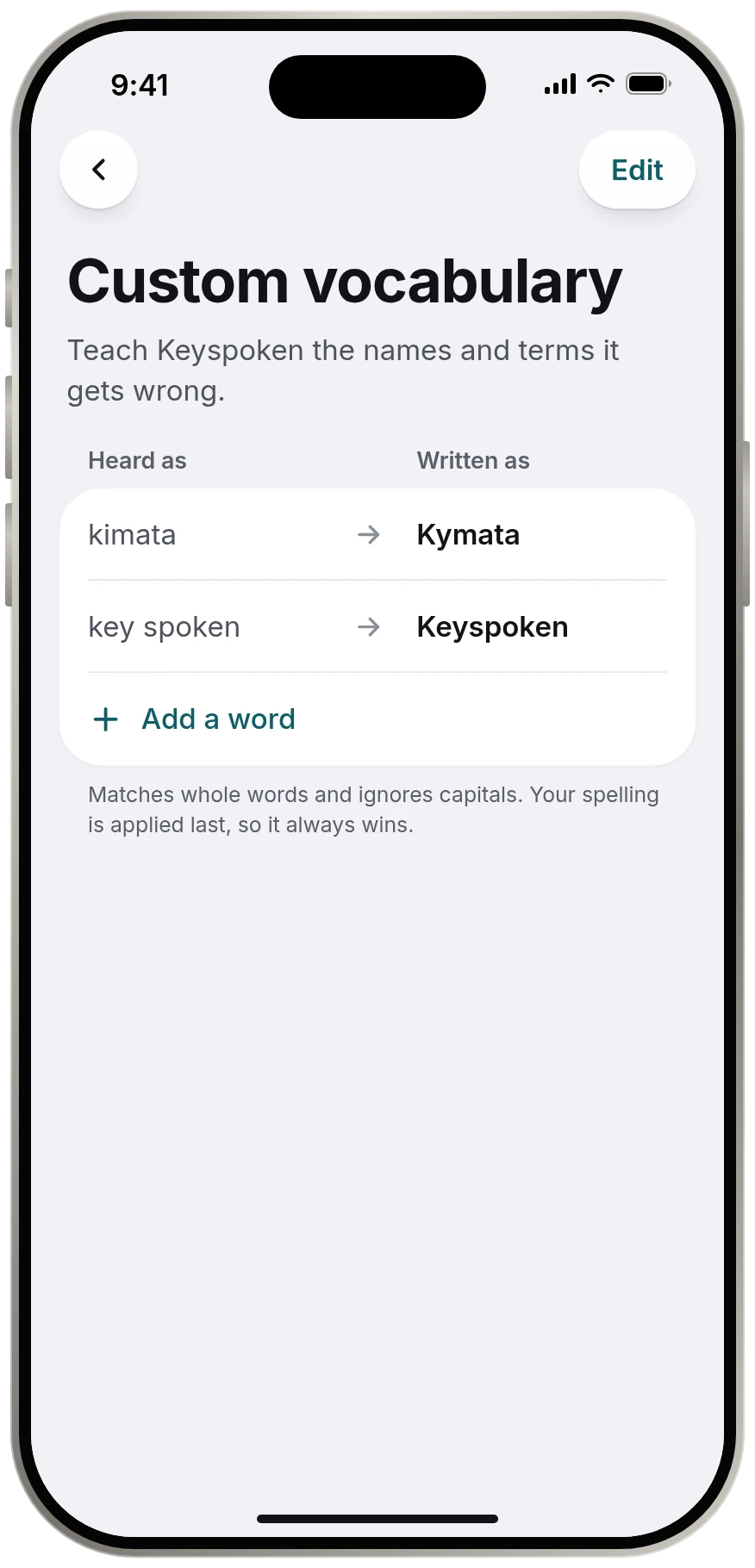
Names, product terms and jargon are where dictation fails most. Keyspoken has a custom vocabulary: you list how a word is heard and how it should be written, and your spelling is applied on the device every time.
What the models can do
Accuracy is measured as word error rate: the share of words a model gets wrong on a test recording. The open models Keyspoken runs score about 6% on NVIDIA's published English tests. The models page has the figures and their sources. Your own results depend on your voice, your microphone and the room.
Source
Source: Apple, iPhone User Guide, Dictate text on iPhone support.apple.com, read 13 November 2026.
Questions
Can I train iPhone dictation to recognize my voice?
Apple's guide describes no training step. You can correct words by voice, for example "Change tea to T-E-E", and spell names after saying them.
How do I add words to iPhone dictation?
Built-in dictation has no word list in Apple's guide. Keyspoken has a custom vocabulary where you set how a name or term should be written.
Why does dictation get names wrong?
Speech models are trained on common words, so rare names and jargon are the hardest. Spelling the name after you say it, or using a custom vocabulary, fixes most of it.
Keep reading
- All guidesEvery guide to dictating on iPhone.
- iPhone dictation commandsiPhone dictation commands: the full list
- Dictation not workingiPhone dictation not working? Check these, in order
- Turn dictation on or offHow to turn dictation on or off on iPhone
- Change dictation languageHow to change the dictation language on iPhone